
The office capacity calculator shows how much space your team needs and how many people the analyzed office can accommodate. The test-fit takes into account the work model, workstations, meeting rooms, private offices, shared areas, support spaces and circulation.
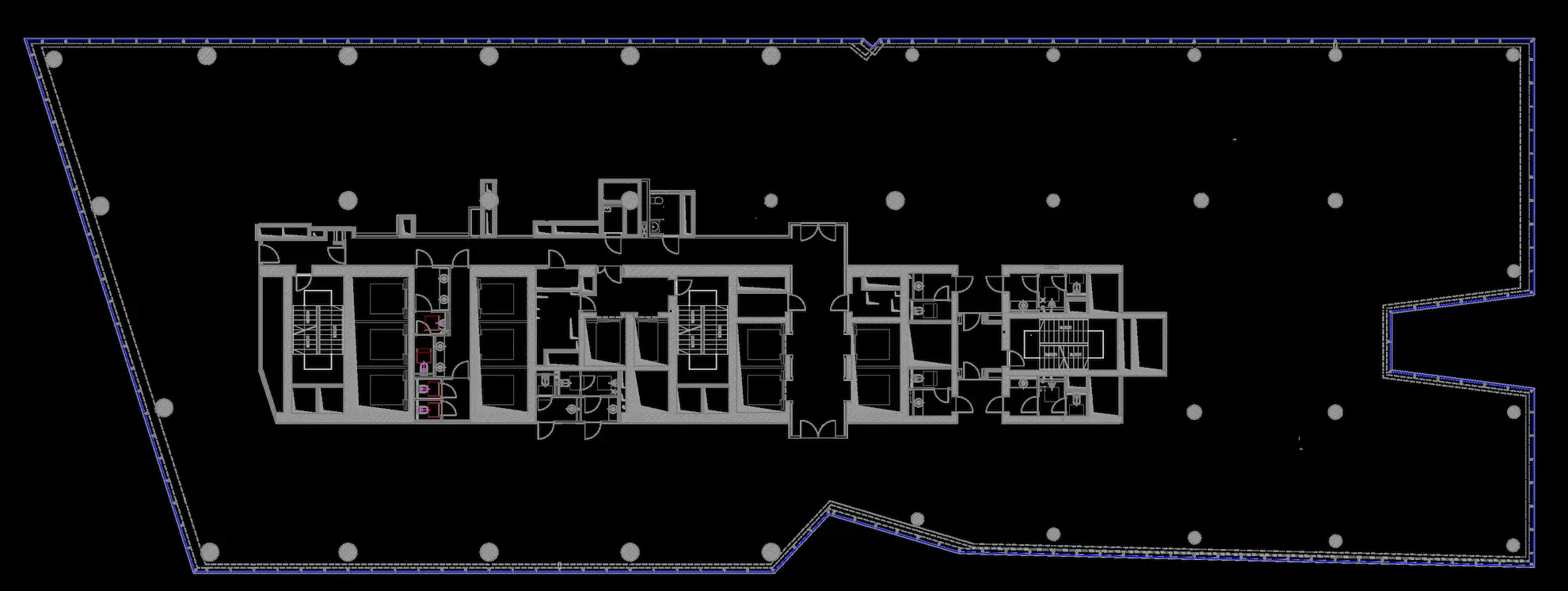
Check what complete office programme can fit within the analysed area at a benchmark of 7, 9 or 12 m² per required workstation. The benchmark provides a space anchor, while the engine separately shows the programme of the selected layout and any area required above that anchor.
Before choosing an office, it is worth checking whether the space can accommodate not only workstations, but also meeting rooms, spaces for calls and focused work, a kitchen, support areas and circulation. Ecoffices Test-Fit Engine assesses the organization’s actual space requirements based on team size, planned growth, office attendance, working model, meeting intensity, the selected 7 / 9 / 12 m² standard and office layout. The result shows the required number of workstations, recommended office area, safe user capacity and the risk of overloading the functional program.
The starting point is the target team, meaning the current headcount adjusted for planned growth. The calculator separates workstations assigned to specific people from shared workstations. For the flexible portion, it uses the safer assumption: attendance on the busiest day or the minimum workstation level appropriate to the organization’s working model. As a result, two companies with a similar headcount may receive different, better-matched recommendations.
The complete office program is then calculated using the Compact 7 m² standard, Balanced 9 m² standard or Comfort 12 m² standard per required workstation. These benchmarks include not only desks, but also the other functions required for the office to operate effectively. A mixed or cellular layout may require more space. If the organization’s needs exceed the selected standard, the additional area is included in the recommendation.
Each scenario is calculated using the same methodology as the office capacity calculator. The analysis moves from target team size and required workstations through the selected standard and functional program to the safe and maximum capacity of the space. The comparison includes offices with an adequate reserve, scenarios requiring caution and spaces that do not match the organization’s needs.
| Scenario | Organization profile | Standard / layout | Floor area | Number of floors | Current team / growth / target team | Average / peak attendance | Dedicated workstations | Meetings / guest-facing activity | Required workstations | Safe capacity | Maximum capacity | Recommended floor area | Area balance | Fit score | Program pressure | Space allocation: work / meetings / support / community / circulation | Sample functional program | Key risk | Ecoffices assessment |
|---|---|---|---|---|---|---|---|---|---|---|---|---|---|---|---|---|---|---|---|
| TF1480 m² — small team | Balanced activity profile | Balanced 9 m² / mixed layout | 480 m² | 1 | 48 / +10% / 53 people | 60% / 75% | 20% | Low / primarily team-focused office | 49 | 52 people | 55 people | 458 m² | +22 m² | 83/100 | 69/100 | 52% / 15% / 5% / 9% / 19% | 2 meeting rooms, 2 phone booths, 1 focus room | The target team exceeds the capacity including the additional reserve by 1 person. | The space accommodates the complete functional program, but the 5% reserve is almost fully used. Further team growth should be monitored. |
| TF2850 m² — guest-facing office | Consulting and guest-facing activity | Balanced 9 m² / mixed layout | 850 m² | 1 | 78 / +10% / 86 people | 62% / 80% | 25% | High / representative client-facing office | 77 | 93 people | 100 people | 743 m² | +107 m² | 94/100 | 45/100 | 51% / 16% / 5% / 9% / 19% | 5 meeting rooms, 7 phone booths, 3 focus rooms | The extensive meeting-room program should be confirmed on the actual floor plan. | A well-matched scenario: it accommodates the full program, the target team and a safe reserve for changes. |
| TF31,200 m² — frequent calls | Calls and video meetings | Balanced 9 m² / cellular layout | 1200 m² | 1 | 130 / 0% / 130 people | 65% / 80% | 30% | High / moderate guest-facing activity | 121 | 102 people | 107 people | 1449 m² | −249 m² | 50/100 | 100/100 | 58% / 15% / 4% / 7% / 16% | 3 meeting rooms, 25 phone booths, 5 focus rooms | The target team exceeds even the maximum capacity of the selected layout. | The space does not match the stated requirements. Increasing the floor area, changing the layout or reassessing the program and peak attendance is recommended. |
| TF41,500 m² — large team | Balanced activity profile | Balanced 9 m² / mixed layout | 1500 m² | 1 | 155 / +5% / 163 people | 65% / 80% | 25% | Medium / moderate guest-facing activity | 151 | 156 people | 165 people | 1485 m² | +15 m² | 79/100 | 79/100 | 49% / 18% / 5% / 9% / 19% | 5 meeting rooms, 9 phone booths, 4 focus rooms | The program fits within the available floor area, but the target team exceeds safe capacity. | The scenario is feasible but leaves only a limited reserve. Peak attendance and planned team growth should be confirmed before making a decision. |
| TF52,100 m² — comfort-focused headquarters | Consulting and guest-facing activity | Comfort 12 m² / mixed layout | 2100 m² | 2 | 180 / +10% / 199 people | 68% / 85% | 40% | High / representative client-facing office | 182 | 173 people | 184 people | 2322 m² | −222 m² | 62/100 | 100/100 | 44% / 20% / 7% / 10% / 19% | 10 meeting rooms, 16 phone booths, 8 focus rooms | The comfort standard and guest-facing functions create a program larger than the available floor area. | Approximately 222 m² of additional space is required to deliver the assumed program. Alternatives include changing the standard, attendance model or the number of meeting functions. |
| TF62,850 m² — large relocation | Project and team-based work | Compact 7 m² / open plan | 2850 m² | 3 | 420 / +5% / 441 people | 58% / 75% | 15% | Medium / primarily team-focused office | 385 | 436 people | 466 people | 2732 m² | +118 m² | 83/100 | 70/100 | 51% / 16% / 5% / 8% / 20% | 15 meeting rooms, 18 phone booths, 9 focus rooms | The target team exceeds the capacity including the reserve, although it remains below the physical maximum. | The program fits within the compact standard, but the reserve for further growth is limited. User numbers and attendance should be reviewed regularly. |
Select a scenario to review the target team size, required workstations, safe and maximum capacity, recommended floor area and the distribution of the office across the key functional zones.
The chart shows the recommended proportions of functional zones for the selected working model, space standard and office layout.
The result should be assessed against the team size after planned growth, not only the current headcount.
This is the number of users for which the full office program retains an additional 5% reserve. Maximum capacity should not be interpreted as a comfortable operating level.
The same number of people may require a different floor area depending on the proportion of focused work, calls, team projects and guest meetings.
The organization profile describes how the office is used rather than the company’s industry. Focus-intensive work increases the need for quiet spaces. Frequent calls and video meetings require more acoustic booths. Project work requires more collaboration zones, while consulting and guest-facing activity calls for appropriately planned meeting rooms and representative spaces. The profile also affects the minimum number of shared workstations.
The calculator offers eight organization profiles. The best choice is the profile that most closely reflects the team’s everyday activities rather than the company’s industry or a broad label such as “hybrid work”. Two hybrid organizations may have very different space requirements.
The Compact, Balanced and Comfort standards do not define only workstation size. Each benchmark includes an appropriate share of space for work, meetings, focused work, community functions, support areas, circulation and a flexible reserve. If the selected layout or required functions need more space, the calculator adds that area to the recommendation.
This prevents the core office functions from being counted twice, while additional private offices, meeting rooms, acoustic booths and special-purpose rooms remain visible in the result. The 7, 9 or 12 m² figure is a planning benchmark; the final requirement depends on the organization’s specific functional program.
Safe capacity defines the highest number of users for which the recommended functional program occupies no more than 95% of the available floor area. The remaining 5% creates a reserve for design adjustments and future needs. Maximum capacity uses the full available floor area with the minimum program variant. It is an important warning threshold, but it should not be treated as the target operating standard for the office.
If the target team remains below safe capacity, the scenario retains a reserve. A result between safe and maximum capacity means the space may be feasible, but requires a detailed test-fit and verification of the assumptions. Exceeding maximum capacity indicates that the selected layout cannot support the team without increasing the floor area or changing the program.
The quick analysis proposes an appropriate number of meeting rooms, acoustic booths, focus rooms and private offices. In the extended analysis, you can enter the organization’s detailed requirements: the number and size of conference rooms, project rooms, private offices, reception, kitchen, archive, storage, server room, sanitary facilities and technical requirements.
The calculator helps provide an initial assessment of spaces before a full architectural test-fit is prepared. It supports comparison of shortlisted offices, relocation analysis, assessment of a modernization of the current headquarters and preparation for discussions with brokers, architects and decision-makers. The most meaningful comparison is achieved when all considered spaces are analysed using the same organizational assumptions.
The result is a structured preliminary assessment of space requirements. The recommended floor area and capacity are based on the assumed functional program, but the final decision should be preceded by analysis of the actual floor plan and the users’ detailed requirements.
The analysis is based on the proprietary Ecoffices Test-Fit Engine 3.0 methodology. The model supports office capacity assessment, functional program development and preliminary space verification, but it is not an architectural design.
The methodology combines office floor area, current and target headcount, attendance, dedicated workstations, the organization’s working model, meeting intensity, the 7 / 9 / 12 m² standard, layout type and functional program. Fit-out costs, total lease cost and carbon footprint are analysed in separate modules of the Ecoffices Decision Engine.
Ecoffices — office space analysis, design and fit-out delivery.
The calculator assesses whether the analysed space can accommodate the organization’s complete functional program, not just a specified number of desks.
The result helps determine whether the space has an adequate reserve, is close to its limit, or requires a change in floor area or assumptions.
The floor area entered is treated as the area available for arranging the program and is not reduced again by a general efficiency factor.
Circulation, support areas, meeting spaces, community zones and other functions are already included in the 7, 9 or 12 m² benchmark per required workstation. This prevents the calculator from deducting the same area twice.
Floor-plan regularity, columns and the core are assessed through a separate geometry-feasibility parameter. This parameter affects risk and scenario resilience, but does not create any hidden additional floor-area allowance.
No. The required workstations are only the starting point for calculating the complete office program.
The calculator separates dedicated and flexible workstations. For the flexible portion, it considers peak-day attendance and a conservative workstation level derived from the organization profile. It then builds the program for meetings, focused work, collaboration, support areas, community functions and circulation.
As a result, the output does not answer “how many desks can be fitted?”, but rather “what complete office program can be created for this organization?”.
The organization profile describes the dominant way of working, not the company’s industry.
The calculator allows you to choose one of eight profiles:
The profile affects the minimum workstation level and the proportions of meeting, quiet, booth, collaboration and support spaces. As a result, two companies with identical headcount may require different office programs.
Yes. The 7, 9 or 12 m² benchmark includes the complete core program, not just workstation area.
If the selected layout or manually specified functions exceed the allowance within a given standard, the additional requirement is shown explicitly in the recommended floor area. It is neither hidden nor added a second time without explanation.
Each standard provides a different amount of space for the complete program per required workstation.
The benchmark is not a simple multiplier of desk area. It is an anchor for the complete program. If specific requirements exceed that allowance, the calculator shows the additional floor area separately.
Open plan, mixed and cellular layouts use the same floor area in different ways.
The engine shows the capacity of all three typologies using the same assumptions. The detailed program and recommended floor area refer to the layout selected by the user.
The required number of workstations is determined primarily for the peak-attendance day, not the average day.
The calculator first secures dedicated workstations. For the remaining employees, it uses the higher level resulting from peak attendance or the minimum workstation ratio associated with the selected organization profile. Average attendance is used to assess everyday utilization, but it cannot reduce the number of workstations required on the peak day.
This prevents a declared hybrid-working model from automatically leading to an excessively aggressive reduction in workstation numbers.
Safe capacity retains an additional reserve, while maximum capacity shows the limit without that reserve.
If the target team falls between these values, the scenario may be feasible but does not retain the intended reserve. Maximum capacity is a warning threshold and a limit, not a recommended operating level.
Program pressure shows how heavily the recommended program loads the available floor area.
The indicator should be read together with the area balance, safe capacity, maximum capacity and fit score. A single number does not replace the full picture of the scenario.
An office spread across several floors does not operate as one undivided space.
The calculator distributes the team and workstations across floors and then checks the core functions required on each of them. This prevents small meeting rooms, support points and everyday support functions from disappearing simply because the total headcount is large.
The number of floors should therefore reflect the actual option being analysed, particularly for large relocations.
It assesses how easily the program can be arranged on the actual floor plan.
Feasibility is influenced by factors including:
The parameter affects the risk assessment and robustness of the result. It is not used to deduct another percentage from the floor area entered.
Yes, but these elements should be specified explicitly in the extended analysis.
The quick analysis builds a neutral program for a typical office and does not automatically assume a server room or archive. In extended mode, you can specify, among other things:
These functions may increase the recommended floor area and technical risk. The Test-Fit calculator assesses their spatial impact, but does not calculate their CAPEX or operating cost.
It provides the greatest value before a full architectural test-fit, when the organization is comparing several options.
All scenarios should be calculated using the same organizational assumptions. This ensures that the differences result from the floor area and layout rather than from an accidental change in the brief.
No. The calculator structures the decision and estimates the likely feasibility of the program, but it does not replace design work on the actual floor plan.
A full test-fit still needs to confirm:
The calculator is a decision filter used before the test-fit, not a substitute for an architect’s work.
Yes. This is one of the calculator’s main applications.
Spatial comparison should, however, be distinguished from financial comparison. Test-fit assesses program and capacity; CAPEX, carbon footprint and TCO are analysed in separate modules.
The most important warning signs appear when a scenario only fits by reducing the quality of the program or exceeding safe capacity.
If several of these signals appear at the same time, the space should not progress further without a full test-fit and a deliberate revision of the assumptions.